If you’re trying to watch Hulu outside the US, you’ll need a Hulu account. The problem is making one can be tricky.
The good news is we’ve found an easy way to do it. I tried it here in New Zealand, and it worked flawlessly.
In this article, we’ll run you through all the steps to make a Hulu account outside the US.
How to make a Hulu account outside the US: Guide
Total Time: 2 minutes
Create an account with Best Buy
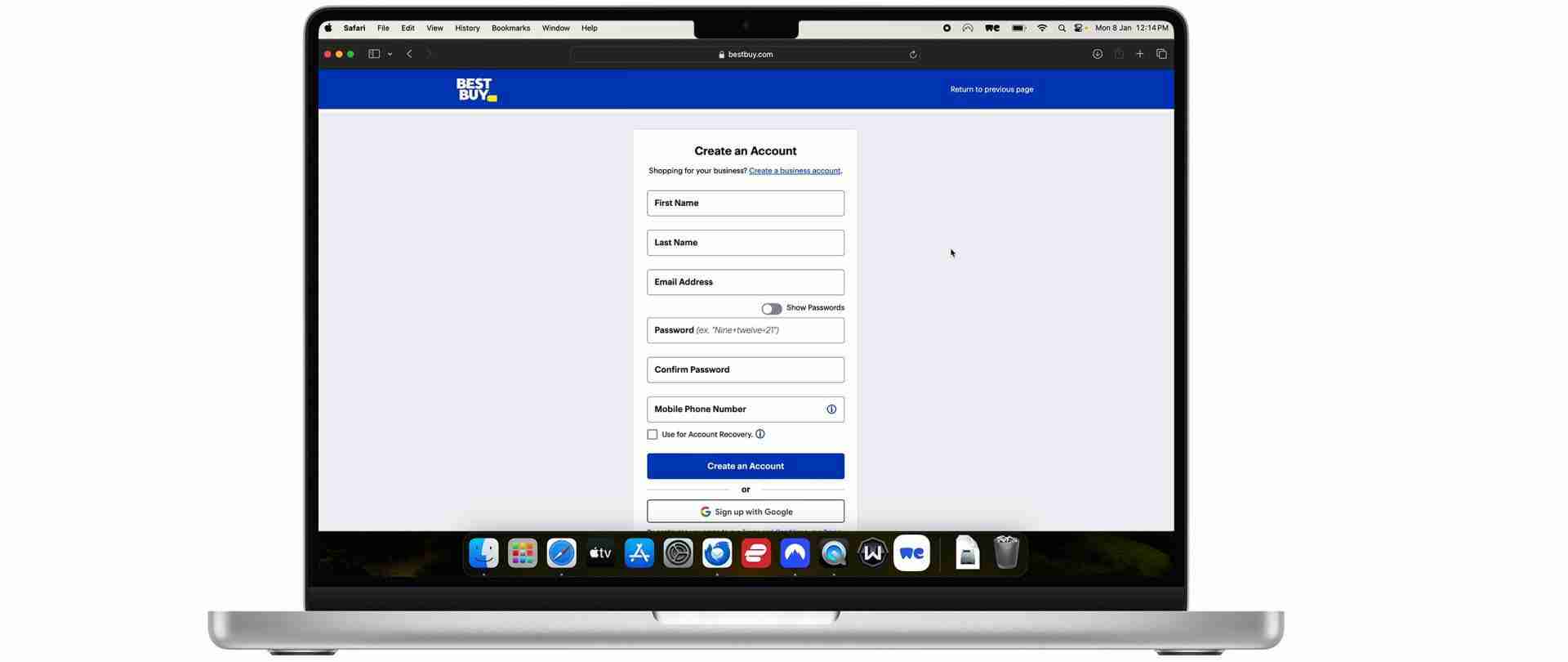
To make a Hulu account you need a US form of payment. For anyone outside the US this can be an issue. The easiest way to get around this is with digital Hulu gift cards. You can buy them from Best Buy however you’ll need an account to view the card.
To make a Best Buy account all you need is an active email address and a US phone number. If you don’t have one, you can get one here.
Purchase a digital Hulu gift card
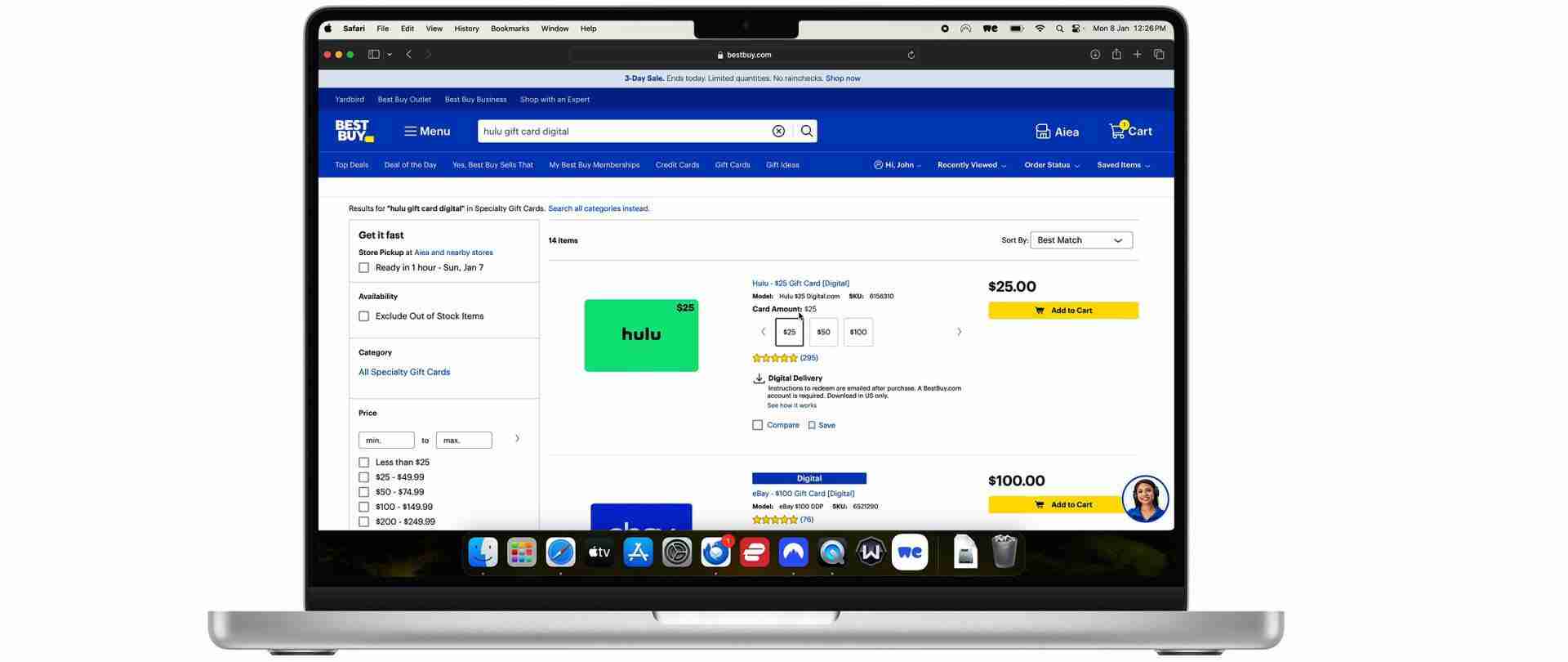
Once you’ve created a Best Buy account, purchase a Hulu gift card. Make sure its a digital gift card.
To do this all you need is a credit card and a US address. If you don’t live in the US, you can use an address generated here. Take note of the zip code you’ve selected.
Get a reliable VPN
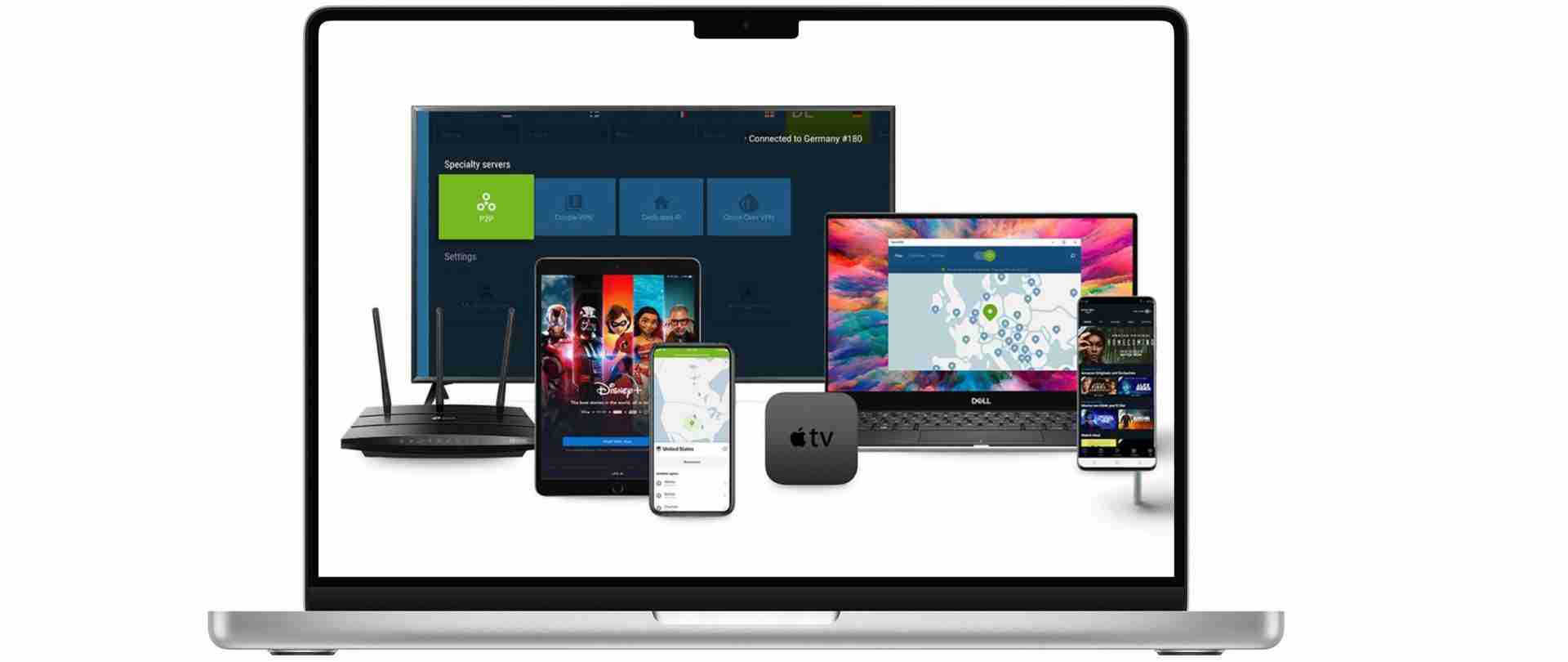
Once you’ve purchased the Hulu gift card you may run into an error when trying to open it. The reason this is happening is because Best Buy is figuring out you’re not based in the US. To get around this you need to make it look like you’re connecting to the internet from within the States. And the easiest way to do that is with a reliable VPN.
From our experience, the best VPNs for Hulu are ExpressVPN and NordVPN. If you click here you can get 3 months of a subscription free with ExpressVPN, and similarly if you click here you can get 3 months of a NordVPN subscription free.
Connect to a US server
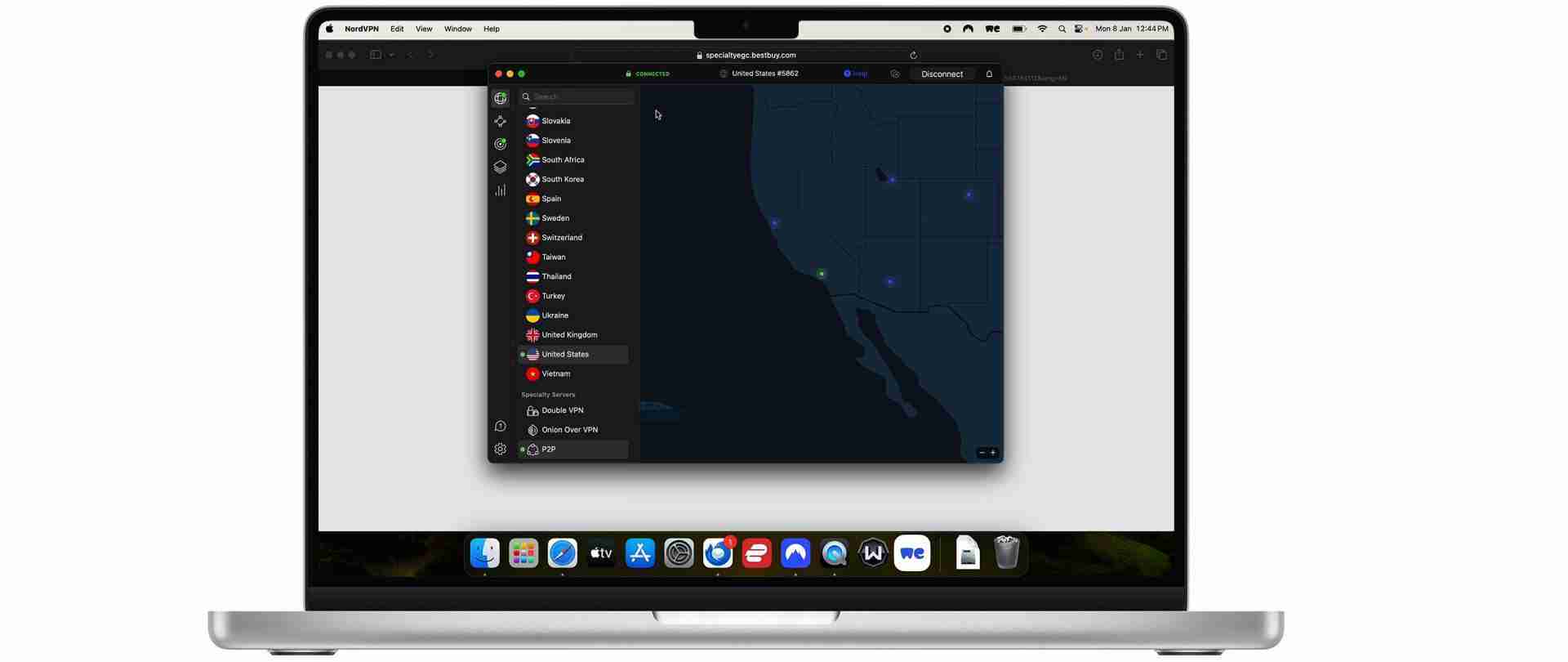
Once you’ve downloaded a VPN, connect to a US server. This will make it look like you’re connecting to the internet from within the US, and you’ll be able to access your Hulu gift card.
Open your digital Hulu gift card
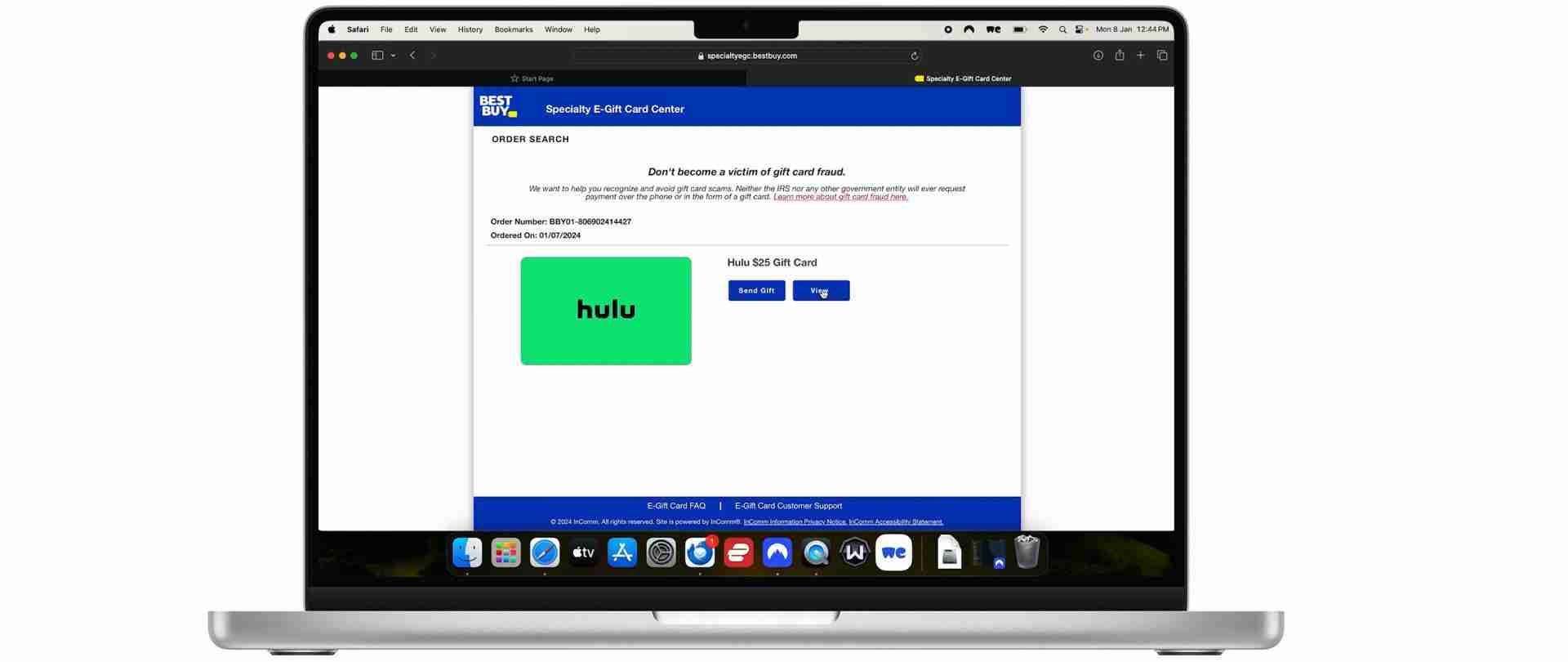
By now you should have received an email from Best Buy with your Hulu gift card. Open that email and open the gift card.
Redeem your gift card
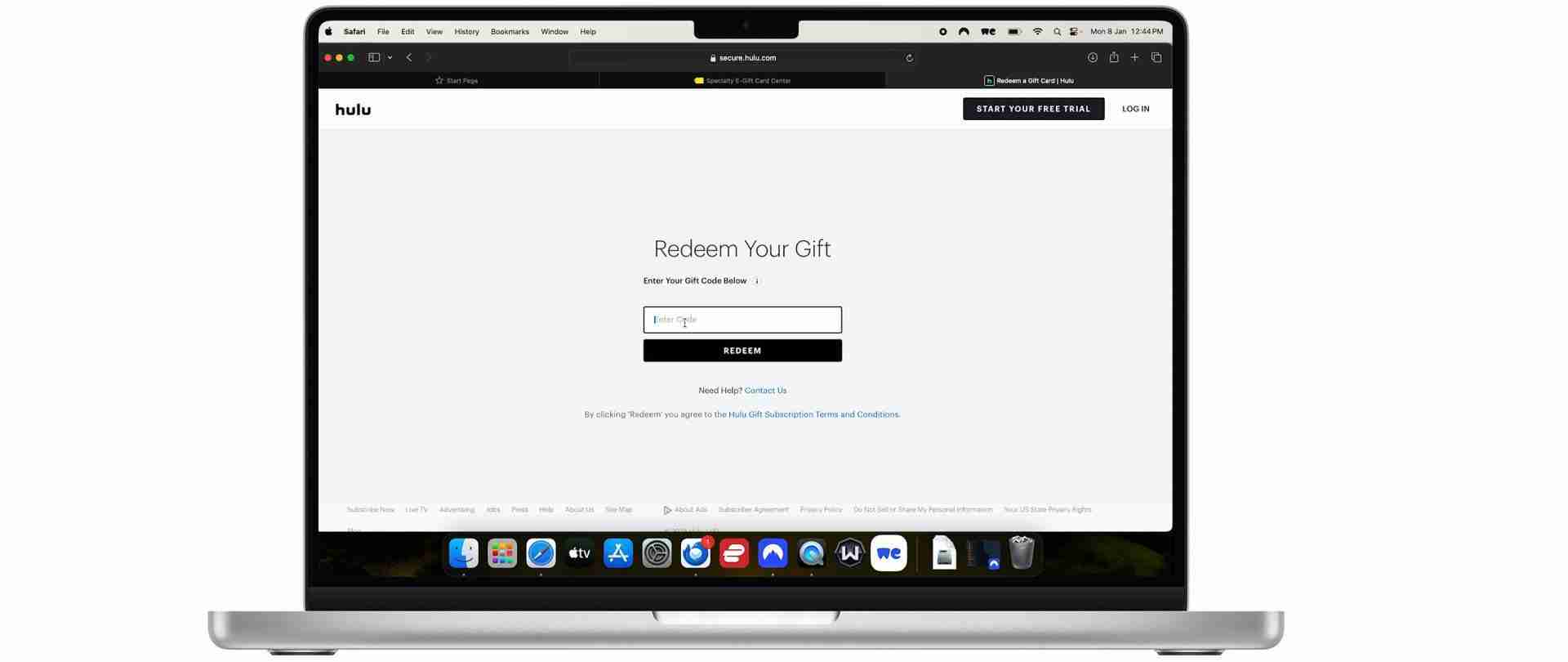
Copy the gift card code and paste it into the “redeem” field here
Create a Hulu account
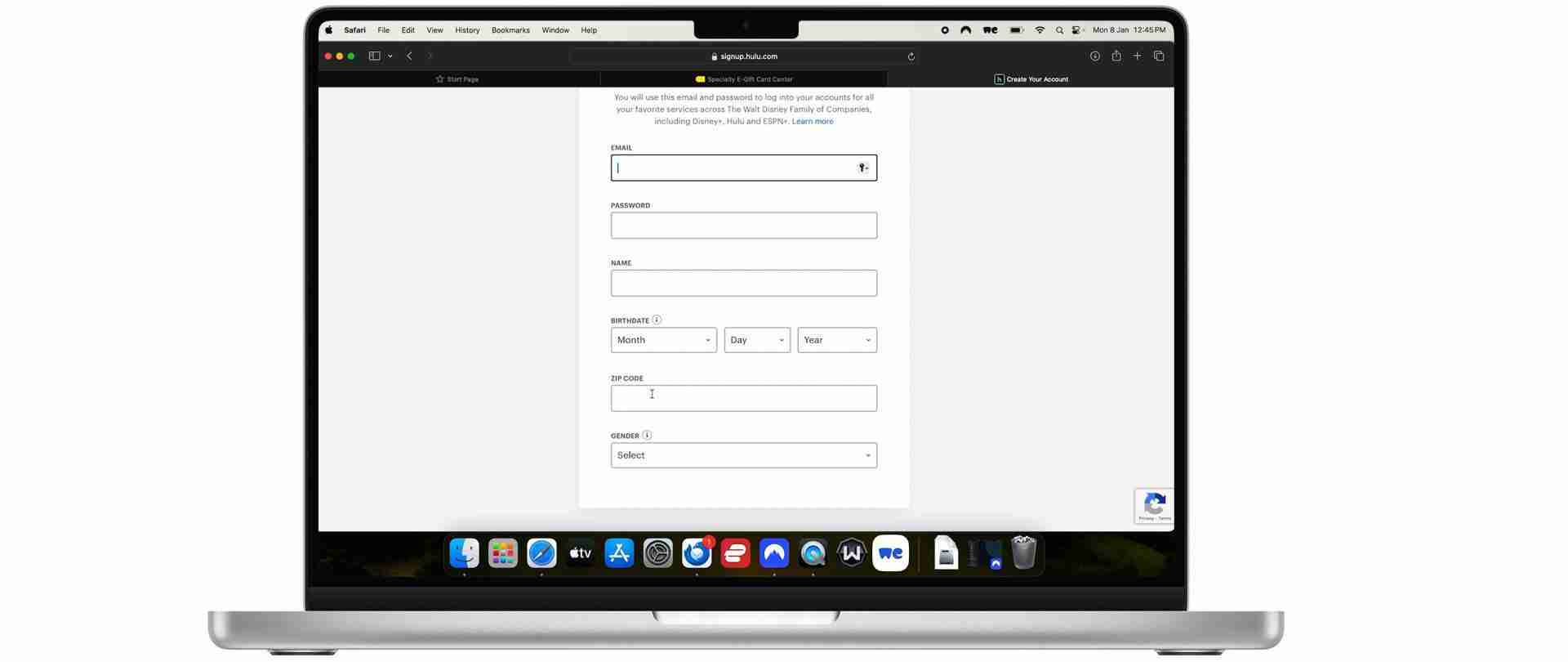
Now you’ll have money for Hulu and you’ll be able to create an account outside the US. Once again you’ll need a US zip code, simply use the one you generated in step 2.
Watch Hulu outside the US
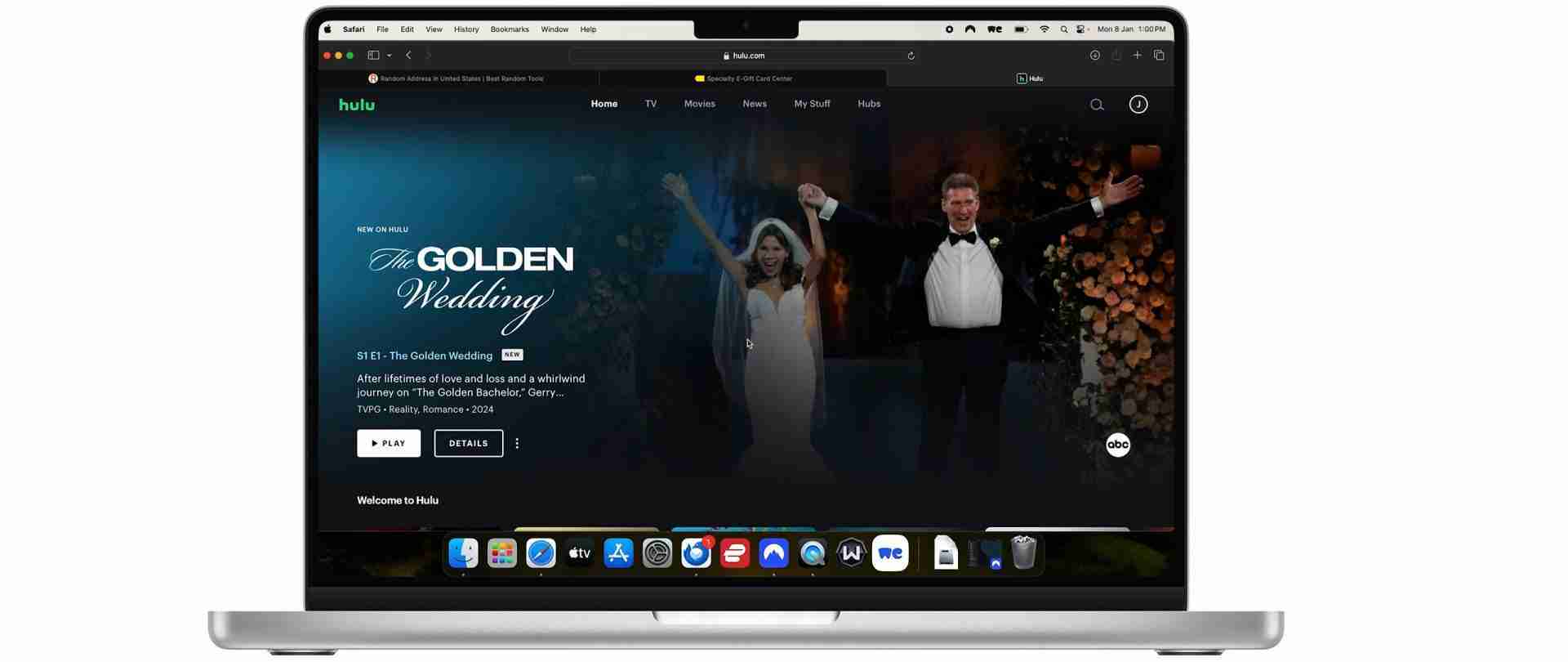
Now that you have a Hulu account you’ll be able to watch the streaming service outside the US. Just make sure that you’re always connected to a US server on ExpressVPN or NordVPN.
How to make a Hulu account outside the US: Video Guide
Can you watch Hulu outside the US?
Watching Hulu outside the United States is possible, but there’s a bit of a workaround involved. Since Hulu is only available in the US and Japan, if you’re in a different country, you’ll need to use something called a Virtual Private Network (VPN). A VPN lets you connect to the internet via a server in the US, which tricks Hulu into thinking you’re actually there.
Does Hulu block users outside the US?
Hulu is a US-based streaming service. It only has the rights to broadcast its content in the US, and subsequently, it blocks anyone outside the US from accessing its service. It does this using several techniques:
IP Address Checking: The most common method Hulu uses to determine your location is by checking your IP address. Every device connected to the internet has an IP address, which includes information about your location. If your IP address shows that you are outside the US, Hulu will block access.
VPN and Proxy Detection: Hulu actively detects and blocks many VPN (Virtual Private Network) and proxy services. These services commonly provide users with an American IP address to bypass geo-restrictions. Hulu has sophisticated technology to identify IP addresses associated with these services and will block them.
Payment Method Verification: Hulu may also use your payment method to verify your location. For example, if you’re using a credit card that’s not issued by a US bank, it could be a sign that you’re not in the US, leading Hulu to restrict access.
Which VPNs work with Hulu?
| ExpressVPN | NordVPN | PIA | Ivacy | CyberGhost | |
| Hulu | ✅ | ✅ | ✅ | ✅ | ✅ |
| Download Speed | 79 Mbps | 71 Mbps | 27 Mbps | 31 Mbps | 41 Mbps |
| Throttling | 79% | 71% | 27% | 31% | 41% |
| Stream quality | ⭐️⭐️⭐️⭐️⭐️ | ⭐️⭐️⭐️⭐️⭐️ | ⭐️⭐️⭐️ | ⭐️⭐️ | ⭐️⭐️⭐️ |
| Price per month | $6.66 | $3.79 | $2.03 | $1.00 | $2.19 |
The VPN services we recommend for Hulu
1. ExpressVPN 🥇 $6.66/month
The fastest and most reliable streaming VPN
- ✔Optimized for HD streaming speed
- ✔Wide network with 160 locations across 94 countries
- ✔Split tunneling feature to select apps using VPN
- ✔TrustedServer technology for enhanced security
- ❌Limited to 5 simultaneous device connections

ExpressVPN is highly regarded for its speed and reliability, key factors for uninterrupted, high-quality video streaming. A significant advantage of ExpressVPN is its extensive network of servers in the United States, enabling users to consistently find a server that works with Hulu, even amidst occasional blocks.
The service is also known for its robust encryption and security features, ensuring both secure access to Hulu and the protection of user privacy and data. In terms of user experience, ExpressVPN offers dedicated apps for a variety of devices, including smartphones and smart TVs, enhancing convenience. Additionally, their 24/7 customer support is a valuable resource for resolving any streaming issues with Hulu.
Read our full ExpressVPN review.
Special Offer for you!
(30-day money-back guarantee)
2. NordVPN $3.19/month
An incredibly fast and trustworthy VPN
- ✔Extra encryption with Double VPN
- ✔Over 5,500 servers in 59 countries
- ✔SmartPlay technology to unblock 400+ geo-restricted streaming services
- ✔CyberSec feature for ad and malware blocking
- ❌The interface can be complex for new users

NordVPN is another top choice, celebrated for its strong security features and a vast selection of U.S. servers. Its large server network ensures easy access to Hulu. NordVPN stands out with its specialized servers offering additional capabilities, like Double VPN for enhanced security, and P2P-enabled servers.
Privacy is a cornerstone of NordVPN, underscored by a strict no-logs policy and a jurisdiction favorable to user privacy. The VPN’s user-friendly interface simplifies the process of finding and connecting to Hulu-compatible servers. NordVPN’s SmartPlay feature is specifically designed to navigate geo-restrictions, making it particularly effective for streaming services like Hulu.
Read our full NordVPN review.
Special Offer for you!
(30-day money-back guarantee)
3. Private Internet Access $2.03/month
An affordable, reliable VPN
- ✔Strong encryption for secure connections
- ✔Extensive server network enhancing connectivity
- ✔Built-in ad and malware blocking
- ✔Supports up to 10 devices simultaneously
- ❌Can have slower speeds

4. Ivacy $1.00/month
A trustworthy and affordable VPN
- ✔Cost-effective pricing
- ✔Servers optimized for P2P activities
- ✔Strict no browsing logs policy
- ✔Allows up to 10 simultaneous connections
- ❌Smaller server network compared to others

5. CyberGhost $2.19/month
A solid VPN package
- ✔Large server network with streaming-optimized servers
- ✔Strong encryption standards for security
- ✔Specialized servers for streaming, torrenting, and gaming
- ✔Generous 45-day money-back guarantee
- ❌Speed performance can be mixed