If you’re trying to watch main card UFC bouts live in the UK, you’ll need BT Sport.
But, there’s a way to watch UFC in the UK without BT Sport. All you need is a VPN and an ESPN+ subscription.
This article will explain how to watch UFC in the UK without BT Sport using a VPN and ESPN+.
How to watch UFC in the UK without BT Sport: Quick Guide
To watch main card UFC bouts live in the UK, without BT Sport, you need to gain access to ESPN+.
ESPN+ isn’t available in the UK. It’s only available in the US. To watch ESPN+ in the UK, you need to make it look like you’re connecting to the service from within the United States. A VPN allows you to do this.
Follow the simple steps below to watch UFC in the UK without BT Sport:
Total Time: 2 minutes
Create a new account with ExpressVPN ($6.67/month)

To watch UFC in the UK without BT Sport the first thing you need to do is create an account with ExpressVPN. If you click here you can save 49% on a 12-month plan and get your first three months free.
Download and install the new VPN app
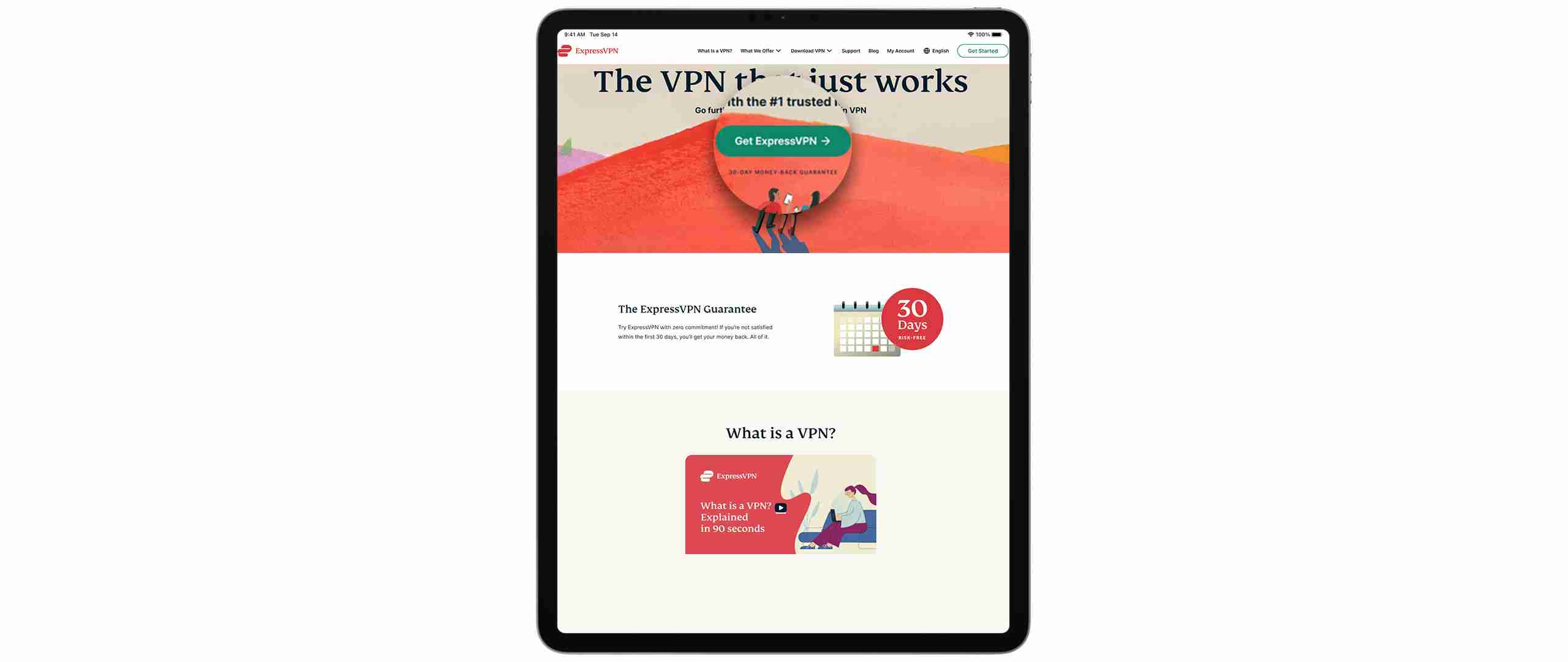
Once you’ve signed up for ExpressVPN you can install it on nearly any device. ExpressVPN is available on Mac, Linux, Chromebook, Android, iOS, Amazon Fire, Kindle, Amazon Fire Stick/TV, Chromecast, Nintendo Switch, Android TV and more.
Open your new app and connect to a US server

The easiest way to watch UFC in the UK without BT Sport is by gaining access to the US-based streaming service, ESPN+. Unfortunately, ESPN+ isn’t available in the UK, however if you change your IP address to a US-based IP address, you can trick the streaming service into thinking you’re accessing it from within the US. Connecting to a US server on ExpressVPN will allow you to do this.
Connect to ESPN+/or create an account if you don’t have one (more below)
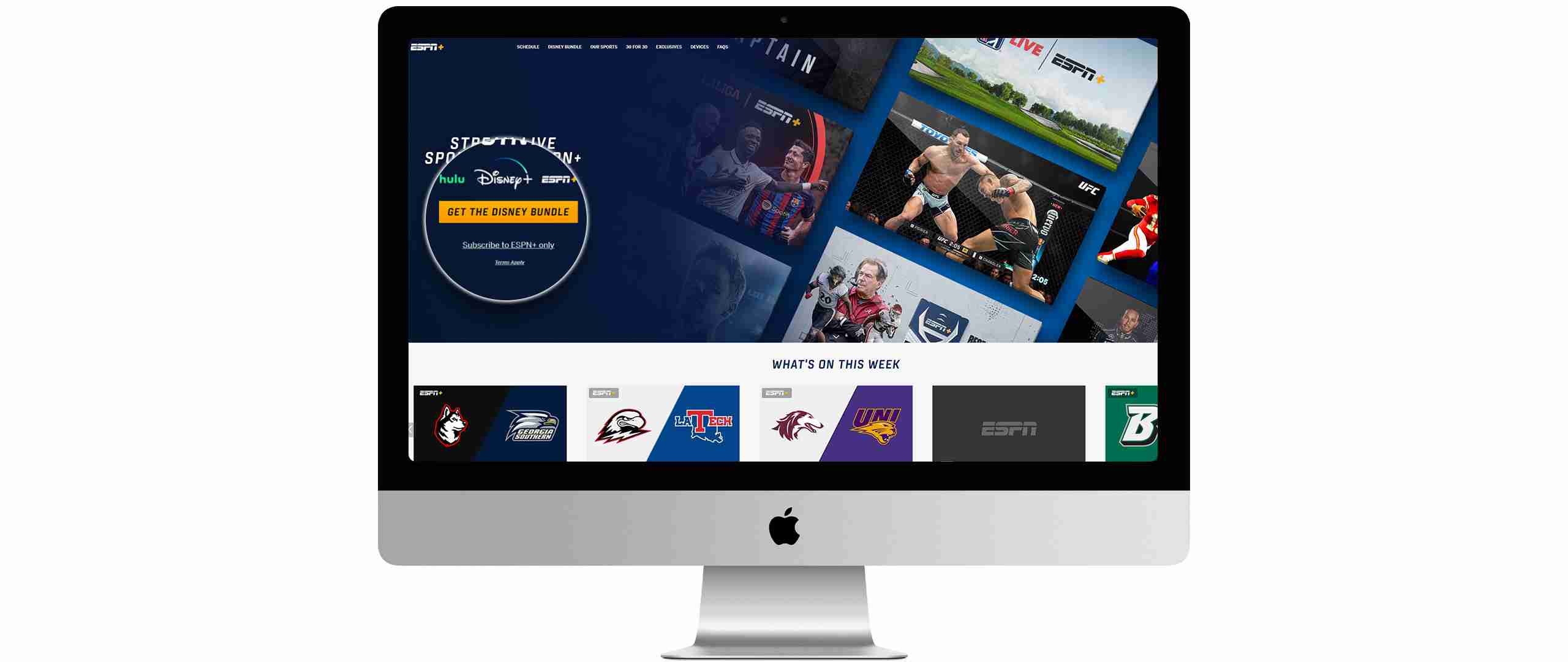
Ensure you’re still connected to a US server on ExpressVPN and visit the ESPN+ website. You’ll now have access to the platform and you’ll be able to make an account.
Watch UFC in the UK

Once you’ve made an account you’ll be able to watch ESPN+ and subsequently the UFC on any device in the UK. Just always ensure you’re connected to a US server on ExpressVPN.
How to make an ESPN+ account in the UK
Setting up an ESPN+ account in the UK, involves a few steps. Here’s a quick guide:
- Choose a VPN Service: First, you’ll need to select a VPN (Virtual Private Network) service. Look for a VPN with servers in the USA, reliable connection speeds, and a good reputation for streaming services. We recommend ExpressVPN.
- Install and Connect to a VPN: After subscribing to a VPN service, download and install their application on your device. Once installed, open the VPN app and connect to a server located in the United States. This will give you an American IP address.
- Create an ESPN+ Account:
- Visit the ESPN+ website.
- Click on ‘Subscribe to ESPN+ only’ to create a new account.
- Fill in the required details like email, password, etc.
- Note: You may need a payment method linked to a US address. Some users use digital payment services or gift cards for this purpose.
- Subscribe to ESPN+: Once your account is created, choose a subscription plan and complete the sign-up process. You will need to provide payment details here.
- Start Streaming: After subscribing, you can start streaming ESPN+ content while connected to the US VPN server.
- Use a Compatible Device: Ensure that the device you intend to watch ESPN+ on supports VPN services and the ESPN app.
Why do I need a VPN to watch UFC in the UK?
The best way to watch UFC in the UK without BT Sport is by gaining access to ESPN+.
ESPN+ is a US-based streaming service that’s only available for US-based customers. If you visit ESPN+ in the UK, you’ll encounter an error that says, “we’re sorry, an unexpected error occurred.”
This error is coming up because ESPN uses geo-blocking technology to prevent anyone outside its broadcast zone from accessing its content. ESPN blocks anyone outside the US from accessing ESPN+ to avoid potential copyright and licensing infringements.
The reason you need a VPN to watch UFC in the UK is because the best VPNs, ExpressVPN ($6.67/month) or NordVPN ($3.19/month), allow you to get around ESPN’s blocks, so you can watch ESPN+ and therefore live UFC fights, from the UK or anywhere in the world.

Why can’t I watch ESPN+ in the UK?
You can’t watch ESPN+ in the UK because the streaming service hasn’t been “officially” released in the UK.
ESPN+ is only available in the US. The broadcast agreements it has with its content partners state that it can only broadcast its content in the US. If ESPN+ was made available in the UK, it would be breaching these agreements and could face severe financial punishments.
ESPN blocks anyone outside the US from accessing its content to prevent this from happening. These blocks are why you can’t access ESPN+ in the UK.
Which VPNs work with ESPN+?
| ExpressVPN | NordVPN | PIA | Ivacy | CyberGhost | |
| ESPN+ | ✅ | ✅ | ✅ | ✅ | ✅ |
| Download Speed | 79 Mbps | 71 Mbps | 27 Mbps | 31 Mbps | 41 Mbps |
| Throttling | 79% | 71% | 27% | 31% | 41% |
| Stream quality | ⭐️⭐️⭐️⭐️⭐️ | ⭐️⭐️⭐️⭐️⭐️ | ⭐️⭐️⭐️ | ⭐️⭐️ | ⭐️⭐️⭐️ |
| Price per month | $6.66 | $3.79 | $2.03 | $1.00 | $2.19 |
How to watch UFC in the UK without BT Sport: FAQs
Q: Can I watch UFC in the UK without BT Sport using a VPN?
Answer: Yes, by using a VPN to connect to a server in a country where UFC broadcasts are available through other services, you can access UFC events.
Q: What are the best VPNs to use for streaming UFC in the UK?
Answer: Some of the top VPNs for streaming UFC include ExpressVPN, NordVPN, and Private Internet Access, known for their fast speeds and reliability.
Q: Will using a VPN affect the quality of the UFC stream?
Answer: A high-quality VPN should not significantly affect streaming quality, though it’s possible to experience a slight decrease in speed.
Q: Is it legal to use a VPN to watch UFC in the UK?
Answer: While using a VPN is legal in the UK, accessing content via a VPN that is geographically restricted may violate the terms of service of the streaming platform.
Q: How do I choose a server location on my VPN to watch UFC?
Answer: Choose a server location where UFC is available through streaming services, such as the USA, and ensure the VPN server is fast and reliable for streaming.
How does ESPN block my connection?
ESPN blocks your connection by scanning your IP address when you connect to its service.
Whenever you go online, you’re allocated a unique IP address. This is used by your device to communicate with the website or app you’re visiting, in this case, ESPN+.
The problem here is in order for this communication to work, your IP address contains information disclosing where you’re located. If you’re in the UK, ESPN+ will be able to tell you’re in the UK.
When ESPN+ scans your IP address, if it finds you aren’t within its broadcast zone, the US, it blocks the connection.

How can I get around ESPN’s blocks?
To get around these blocks, you need to make it look like you’re connecting to the internet from within the US. Basically, you need to temporarily change your UK IP address to a US IP address.
ExpressVPN ($6.67/month) or NordVPN ($3.19/month) make this very simple. All you need to do is download the app, connect to a US server, and you’ll have a US IP address allowing you to access ESPN+ in the UK.
Will any VPN work?
Because VPNs are well-known ways of watching ESPN+ in countries where it doesn’t have the rights to broadcast its content, ESPN tries to block VPNs.
It does this using three main techniques:
- The most common technique is to do with the IP addresses that your VPN can provide. VPN providers have more customers than IP addresses; this means that customers are forced to share the same IP addresses. Usually, only a household with a few devices uses the same IP address. When ESPN sees hundreds or even thousands of connections coming through on the same IP address, it knows that it is a VPN, and it blocks it.
- ESPN monitors for IP, DNS and WebRTC leaks that can tip the service off you are using a VPN.
- ESPN teams up with GeoIP databases like Maxmind to identify IP addresses. If the IP address your VPN provides is on one of these databases, ESPN will be able to find out where in the world you are connecting to the internet from and it will block you.
These VPN blocking methods can be difficult for VPNs to get around. Free VPNs and lesser VPNs struggle to “beat” ESPN’s VPN blocks and will often not work with the service.
To reliably watch ESPN+ in the UK you need a VPN that has measures to get around these blocks. Both ExpressVPN ($6.67/month) and NordVPN ($3.19/month) have these measures.
ExpressVPN or NordVPN play a game of cat and mouse with ESPN. If ESPN is able to block an IP address provided by these VPNs, ExpressVPN or NordVPN will close that IP address and open a new one, meaning you’ll be able to watch ESPN+ in the UK reliably.

The VPN services we recommend for ESPN+
1. ExpressVPN 🥇 $6.66/month
The fastest and most reliable streaming VPN
- ✔Optimized for HD streaming speed
- ✔Wide network with 160 locations across 94 countries
- ✔Split tunneling feature to select apps using VPN
- ✔TrustedServer technology for enhanced security
- ❌Limited to 5 simultaneous device connections

ExpressVPN stands out as a top choice for accessing ESPN+ due to its exceptional speed and robust server network. It’s renowned for its ability to consistently bypass geographical restrictions, making it ideal for streaming sports content like ESPN+. The VPN maintains a strong presence in the US with multiple server locations, ensuring reliable access to ESPN+.
Furthermore, ExpressVPN offers some of the fastest connection speeds in the VPN market, which is crucial for streaming live sports to avoid lag or buffering. Its user-friendly interface across various devices, including smartphones, tablets, and smart TVs, enhances the overall streaming experience. Additionally, ExpressVPN is known for its strong security features and strict no-logs policy, ensuring your online activities remain private.
Read our full ExpressVPN review.
Special Offer for you!
(30-day money-back guarantee)
2. NordVPN $3.19/month
An incredibly fast and trustworthy VPN
- ✔Extra encryption with Double VPN
- ✔Over 5,500 servers in 59 countries
- ✔SmartPlay technology to unblock 400+ geo-restricted streaming services
- ✔CyberSec feature for ad and malware blocking
- ❌The interface can be complex for new users

NordVPN is another excellent choice for ESPN+ due to its extensive server network, particularly in the United States. This VPN is highly regarded for its strong security protocols and privacy measures, which include military-grade encryption and a strict no-logs policy.
NordVPN’s SmartPlay technology is particularly beneficial for streaming services like ESPN+, as it automatically selects the best server for optimal streaming performance. This feature, combined with NordVPN’s reliable speeds, ensures a smooth and uninterrupted viewing experience. Additionally, NordVPN supports a wide range of devices and offers dedicated apps for different platforms, making it convenient for users to access ESPN+ from various devices.
Read our full NordVPN review.
Special Offer for you!
(30-day money-back guarantee)
3. Private Internet Access $2.03/month
An affordable, reliable VPN
- ✔Strong encryption for secure connections
- ✔Extensive server network enhancing connectivity
- ✔Built-in ad and malware blocking
- ✔Supports up to 10 devices simultaneously
- ❌Can have slower speeds

4. Ivacy $1.00/month
A trustworthy and affordable VPN
- ✔Cost-effective pricing
- ✔Servers optimized for P2P activities
- ✔Strict no browsing logs policy
- ✔Allows up to 10 simultaneous connections
- ❌Smaller server network compared to others

5. CyberGhost $2.19/month
A solid VPN package
- ✔Large server network with streaming-optimized servers
- ✔Strong encryption standards for security
- ✔Specialized servers for streaming, torrenting, and gaming
- ✔Generous 45-day money-back guarantee
- ❌Speed performance can be mixed

Is watching ESPN+ with a VPN legal?
Yes, watching ESPN+ with a VPN is legal so long as you aren’t in a country where VPN’s are prohibited. These are China, Russia, Iran, Turkey, United Arab Emirates, North Korea, Iraq, Belarus, Turkmenistan, Egypt, Eritrea, Seychelles, Suriname, Namibia, Slovenia, Nicaragua and Tajikistan.
With that said, it’s important to know that using a VPN to stream ESPN+ outside the US, goes against the streaming services’ terms of use.
This means ESPN+ has the right to block or ban your account if you use a VPN to access its content.
However, given the wide-spread use of VPNs, plus the many legitimate and legal use cases for VPNs, it’s fair to suggest that banning customers for using a VPN would be an extremely costly policy for ESPN+ to enforce.
In theory, if you’re trying to watch ESPN+ in a region where it does not traditionally operate, you risk having your account banned. However, as the best VPNs for ESPN+ use military-grade encryption, it’s impossible for streaming services like ESPN+ to trace where you’re physically accessing its content from.
There’s one final thing to note on the subject: ESPN+ has never banned anyone for using a VPN to access its service.