If you’re trying to watch BBC iPlayer with PrivadoVPN and you’re running into stuttering or buffering issues, the reason could be as simple as PrivadoVPN’s servers not being fast enough to work reliably with the streaming service.
The good news is there’s a number of fixes you can try to resolve this issue.
In this article, I’ll quickly explain all the fixes we tried to fix BBC iPlayer buffering with PrivadoVPN.
How to fix BBC iPlayer buffering with PrivadoVPN
The very first thing you should do is make sure PrivadoVPN is providing you with a fast enough internet speed to ensure you can watch BBC iPlayer without issues.
To do this, connect to a UK server on PrivadoVPN, visit Speedtest by Ookla and run a speedtest, taking note of your speeds.
Now do a speedtest with PrivadoVPN turned off and take note of your speeds.
In order to stream BBC iPlayer reliably you need to be achieveing these speeds:
High-quality programs: 5Mbps
Standard-quality programs: 1.5Mbps
If your base internet speeds (without PrivadoVPN) are lower than the values above, your internet is simply not fast enough to stream BBC iPlayer reliably no matter what VPN you use.
If, however, your base internet speed is fast enough, but it drops below the recommended speeds when PrivadoVPN is turned on, you know that Privado is the problem and it’s the reason you’re coming across buffering issues when trying to watch BBC iPlayer.
If that is the case, follow these steps:
Change to a different server

Switching to a different server on PrivadoVPN, can often resolve BBC iPlayer buffering issues. This is because some servers may be overcrowded or may have slower connection speeds, which can lead to buffering.
When you connect to a different server, especially one that is geographically closer to you or less congested, you’re likely to experience a more stable and faster connection.
Change to a different protocol
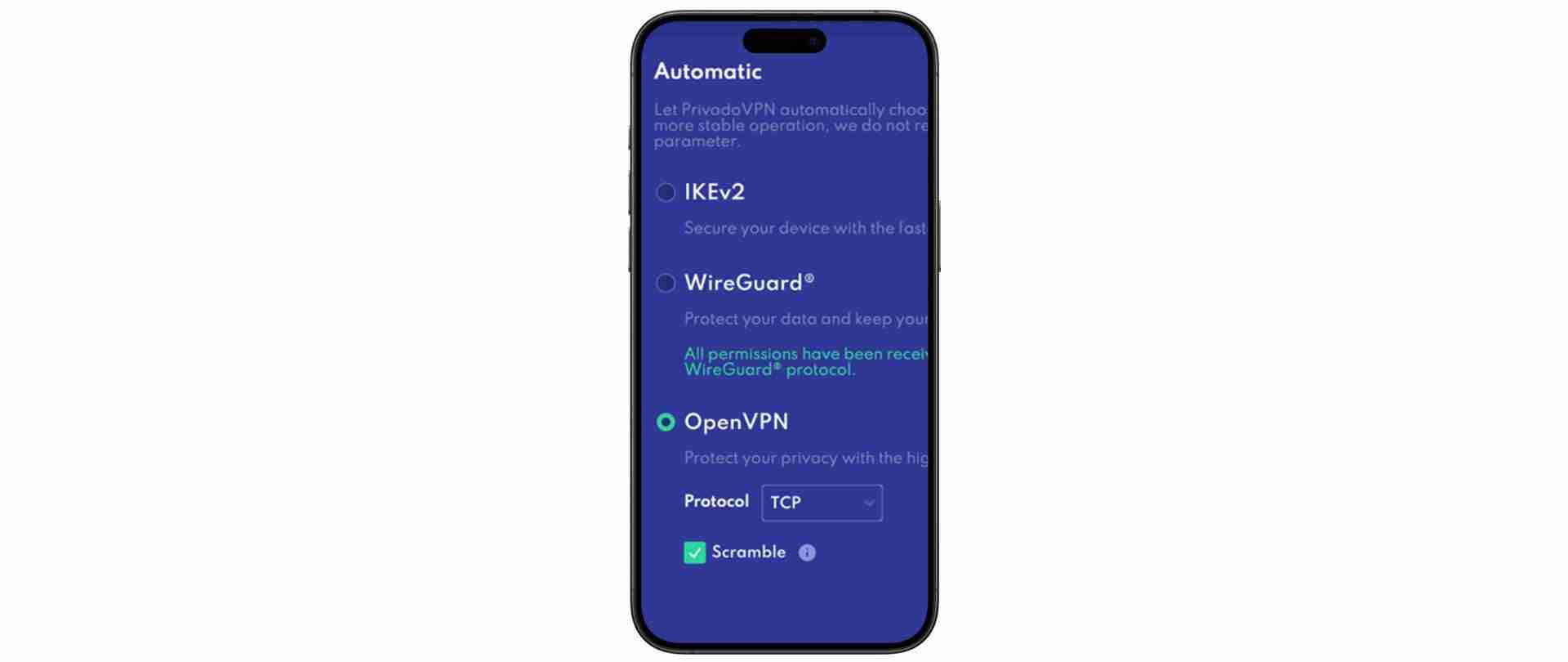
Switching to a different VPN protocol can significantly improve your BBC iPlayer streaming experience.
Some VPN protocols offer faster speeds while others offer better security. For instance, protocols like OpenVPN might provide robust security but can sometimes be slower, potentially leading to buffering. On the other hand, newer protocols like WireGuard are designed for faster performance and may enhance streaming quality.
Restart your VPN
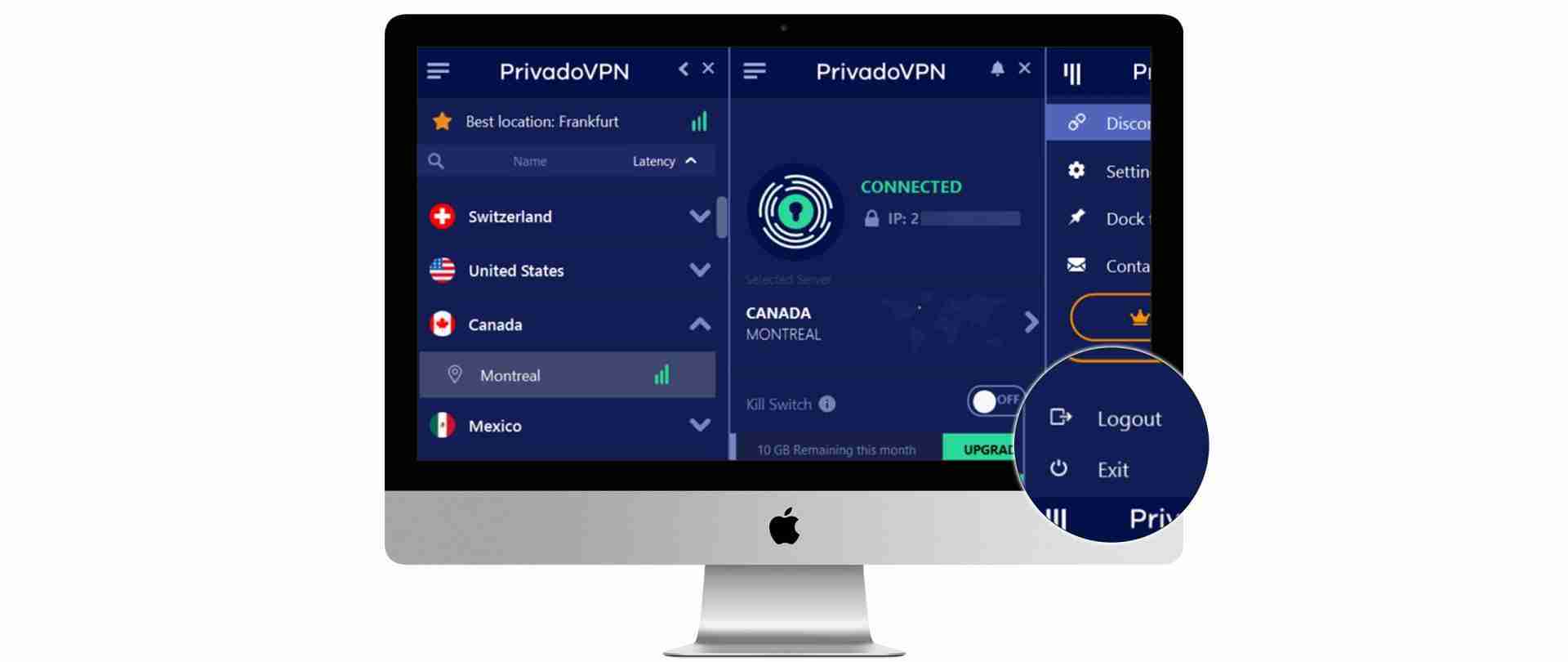
Restarting also allows the VPN connection to reset, potentially resolving any IP address conflicts or connectivity issues that might be causing buffering issues with BBC iPlayer.
Restart your router
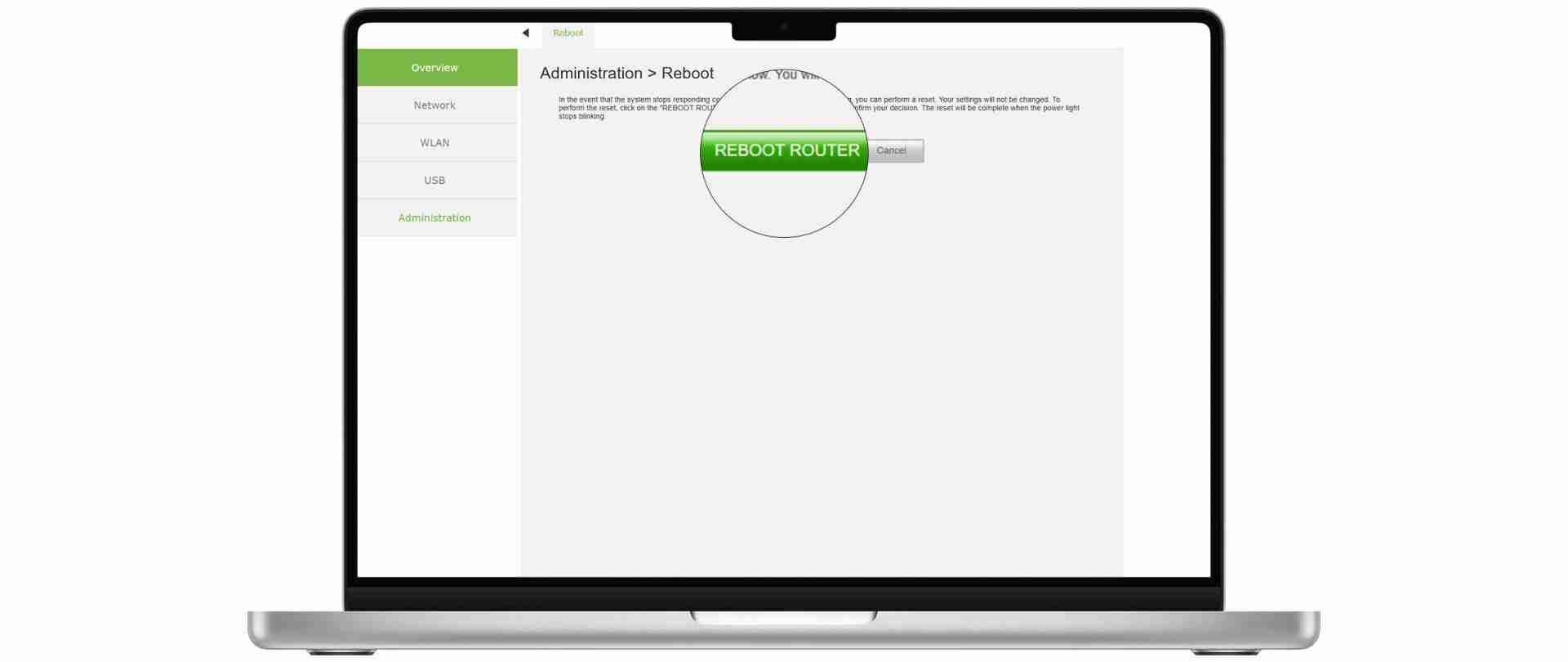
Restarting your router can be an effective way to fix BBC iPlayer buffering issues when using a VPN. This process, commonly known as “power cycling,” helps by clearing any existing glitches in your router’s memory that might be causing connectivity problems.
When you restart the router, it re-establishes a fresh connection with your ISP, which can lead to a more stable and faster internet connection.Upgrade to a faster VPN
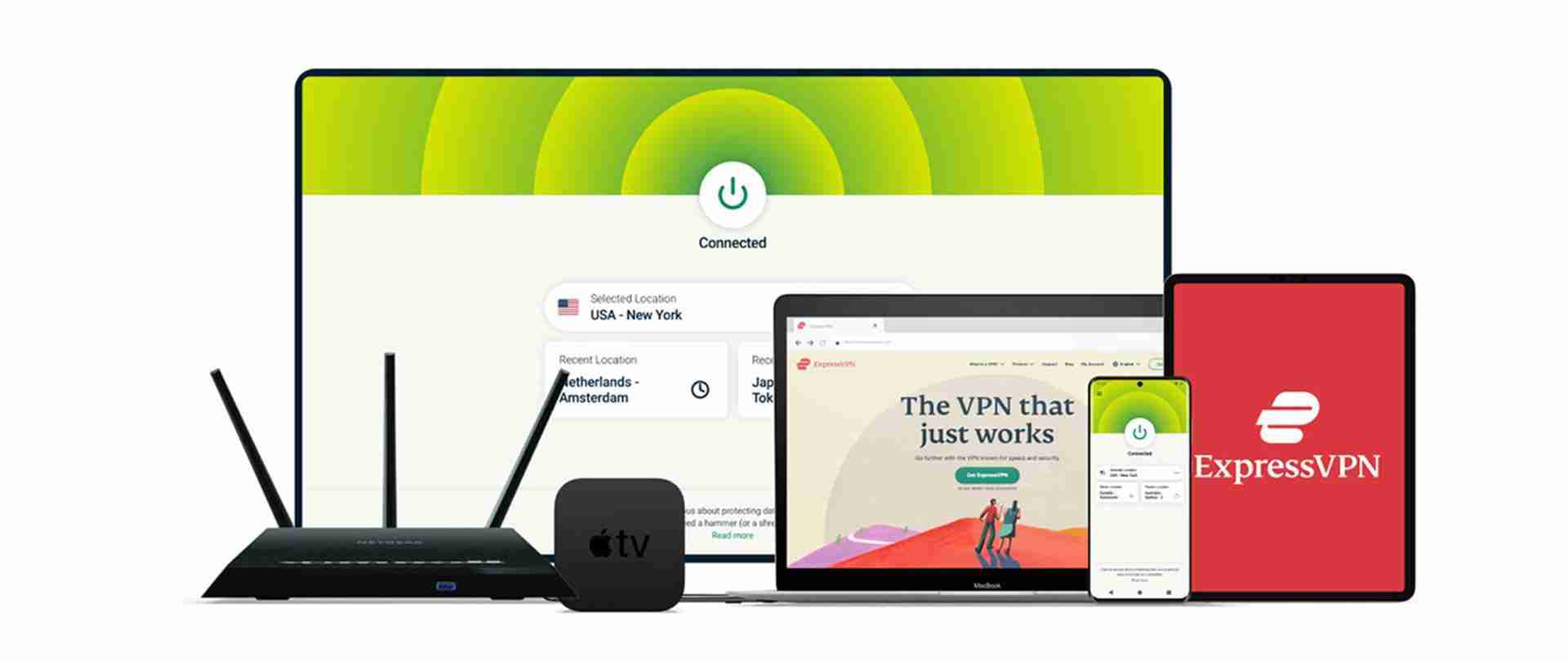
Upgrading to a faster VPN can significantly enhance your BBC iPlayer streaming experience, especially if you’re encountering buffering issues while using a VPN.
From out tests, we’ve found ExpressVPN is one of the best VPNs for BBC iPlayer as its renowned for its fast connection speeds, which is crucial for streaming high-quality content without interruptions.
By providing higher bandwidth and more stable connections, ExpressVPN ensures that the video streams smoothly, reducing the likelihood of buffering.
Additionally, it has a wide range of servers across different locations, allowing for a better and faster connection regardless of your geographic location. This improvement in speed and stability makes ExpressVPN an excellent choice for an uninterrupted and high-quality BBC iPlayer viewing experience.
The best VPNs for BBC iPlayer
ExpressVPN ($6.66/month) is the gold standard of VPNs. With servers in 94 countries and top-tier encryption protocols, it provides users the fastest and most reliable way to unblock streaming services from anywhere in the world.
NordVPN ($2.99/month) has an expansive network of 5,800+ high-speed servers in 60 countries – making it a great option for anyone looking to unblock popular streaming services, at a more mid-range price point. An excellent choice.
Private Internet Access ($2.03/month) is the “best of the rest” VPN. It stands out as a solid streaming VPN with a budget price tag. It’s not as reliable, or fast, as ExpressVPN or NordVPN. Making it a more suitable choice for a casual VPN user.
Ivacy ($1.00/month) the price is the selling point here. If you want a VPN that works with major streaming services “most of the time” and don’t mind a bit of buffering during peak periods, Ivacy is fine. But it’s nowhere near as good as ExpressVPN and NordVPN.
CyberGhost ($2.19/month) is a decent VPN option that offers user-friendly apps and a range of servers worldwide. While it may not lead the pack in all features, it provides a satisfactory balance of privacy, speed, and ease of use.
Why is BBC iPlayer buffering when using PrivadoVPN?
Buffering issues on BBC iPlayer while using PrivadoVPN, or any VPN service, can be caused by various factors:
Server Overload: If too many users are connected to the same VPN server, it can become overloaded, leading to slower speeds and buffering issues.
Geolocation Issues: BBC iPlayer may have restrictions for content based on geographical location. If the VPN server you are connected to does not effectively mask your location or is recognized by BBC as a VPN server, it might lead to streaming difficulties.
Bandwidth Throttling: Some ISPs throttle internet speeds when they detect streaming or VPN usage. This can result in slower speeds and buffering.
VPN Protocol and Settings: The type of VPN protocol and settings you use can affect speed. Some protocols are faster but less secure, while others offer more security at the cost of speed.
Internet Speed: Your base internet speed plays a significant role. If your internet connection is slow, using a VPN can further reduce the speed, leading to buffering.
VPN Quality: Not all VPNs offer the same quality of service. Some have better infrastructure and are more effective at maintaining high speeds and stable connections.
BBC iPlayer buffering with PrivadoVPN: FAQs
Q: Why does BBC iPlayer buffer when I use PrivadoVPN?
Answer: Buffering on BBC iPlayer while using PrivadoVPN can occur due to server overload or geolocation issues. It’s advisable to switch to a different server, preferably one that is optimised for streaming and closer to your location.
Q: Can my internet speed affect streaming quality on BBC iPlayer with PrivadoVPN?
Answer: Yes, your base internet speed significantly impacts streaming quality. If your internet connection is slow, using a VPN may further reduce the speed, leading to buffering. Ensure your internet speed is sufficient for high-quality streaming.
Q: How can I improve streaming performance on BBC iPlayer with PrivadoVPN?
Answer: To enhance streaming performance, try connecting to a server that’s closer to you and less crowded. Also, check if your VPN protocol is optimised for speed and consider updating or reinstalling PrivadoVPN to ensure optimal performance.
Q: Is it possible that my ISP is throttling my connection when using PrivadoVPN for BBC iPlayer?
Answer: Yes, some ISPs throttle internet speeds for streaming or VPN usage, which can cause buffering. Using a VPN protocol that is less likely to be detected by ISPs can help mitigate this issue.
Q: Will changing the VPN protocol in PrivadoVPN settings help with buffering on BBC iPlayer?
Answer: Changing the VPN protocol can sometimes improve streaming quality. Protocols that balance speed and security are often more suitable for streaming. Experiment with different settings in PrivadoVPN to find the most efficient protocol for your connection.