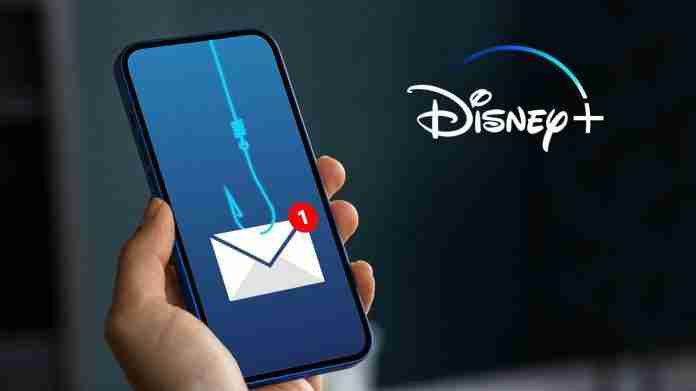
Fake Disney+ emails are making the rounds as scammers try to steal banking information by charging users with a new subscription. If you’ve recently received a suspicious email from the popular streaming service, ignore it.
The phishing email states users will be charged with a new subscription, which is over double the official Disney+ monthly subscription fee. The message then directs users to contact the provided number if this was an unauthorised purchase.
If the user calls the number on the email, a scammer posing as a customer service representative will ask for personal details, including your name, email, banking information, and any other information they can steal.
Like Amazon scams, these phishing attacks aim to trick users into forking over sensitive information. Threat actors can then use this data against the victim by stealing their online accounts, emptying their bank accounts, and taking over their devices.
There’s been a rise of fake emails and texts impersonating official Disney+ representatives. This includes a phishing text stating the following:
“DisneyPlus: Your payment could not be processed. To continue using our service, please update your details here: https://alerts-disneyplus.com”.
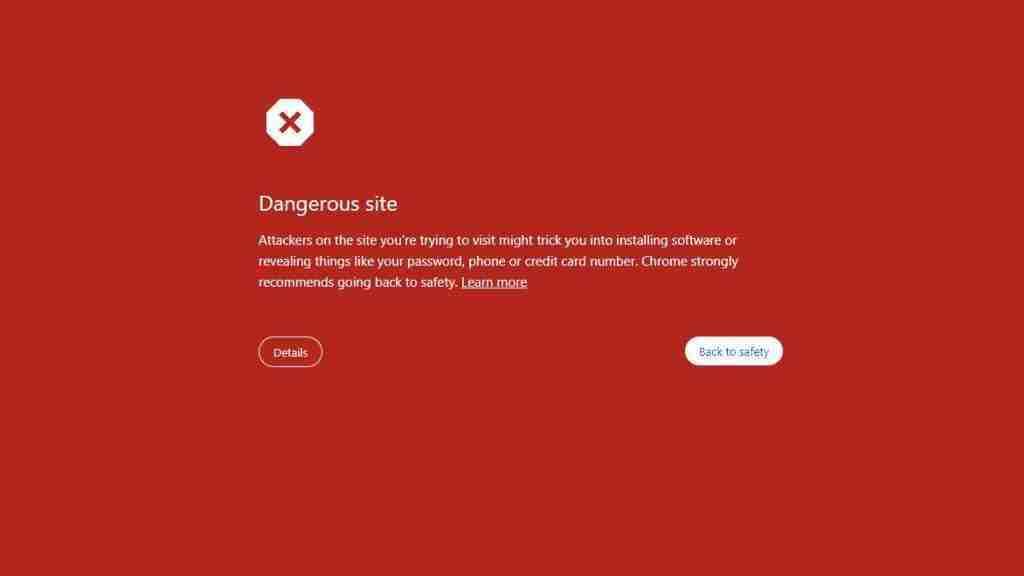
This leads to a warning page on Google Chrome (example below), confirming that the scam message may try to install malicious software or steal information.
Disney+ phishing scams: How to stay safe
Disney+ is aware of many phishing scams that may catch potential victims off guard. The streaming service offers several ways to identify these scams:
- “Disney+ will never ask you for personal information unless you willingly contact Disney+ and it is needed to resolve a problem.”
- “A Disney+ employee or agent/representative will never ask you for your full credit card number, bank account details, or password over the phone.”
- “Disney+ will never unexpectedly display a phone number in our app, or on our web pages, outside of the Disney+ Help Center.”
- “Disney+ will never direct you to install third-party software in order to troubleshoot.”
- “Legitimate Disney+ sites will include a dot before “disneyplus.com” (except help.disneyplus.com).
It’s a good idea to block these scam emails or messages so you’re not at risk of clicking any malicious links in potential future messages. Follow our guides on how to stop spam emails on iPhone and how to stop spam emails on Android.
Use antivirus software to stop phishing
The best antivirus software will stop phishing in its tracks. Many high-standard AV protection services offer near-perfect scores when detecting and protecting against malware, meaning even complex malicious software can’t go unnoticed in messages or emails.
Messages from scammers can contain harmful links or attachments filled with malware, which you never want on your device. The good news is you can let one of the best antivirus software services do all the legwork for you, as they have security and privacy features to protect your accounts.
Services such as Avast One, Bitdefender, Norton 360 and more have protection tools that block malicious email addresses, links and attachments. To make sure scams block malware damaging your device or keep you safe from threat actors hacking your device through texting and more, set yourself up with an antivirus.